Read it
- agent.md in your browser, or
curl https://xenoci.com/agent.mdfor the markdown byte for byte - llms.txt, the short index of these docs for agents
What it covers
- Install the CLI, or use it through npx
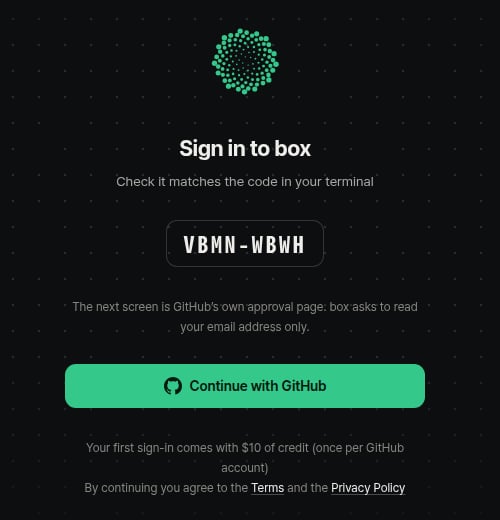
- Sign in: a link and a code for you to open, or
BOX_API_KEYwhere there is no browser - Connect:
box setup - The first build, test and screenshot, and what to do with each exit code