
When to use it. You want the app to stay open after the build, so you can watch it or have your agent act on it with
box ui. One job builds the app, installs it on an iPhone simulator, launches it and keeps it open with a live view in your browserRun it
The live view of a box run session while items are added
--detach returns the job id right away so your agent can go on; without it box follows the log. This is what box printed for SwiftieDev/SwiftUI-ToDos-App (MIT); the Xcode lines between are left out
BOX_SESSION_READY appears the app is open. Open the live view address while signed in with the same GitHub account to watch the simulator screen
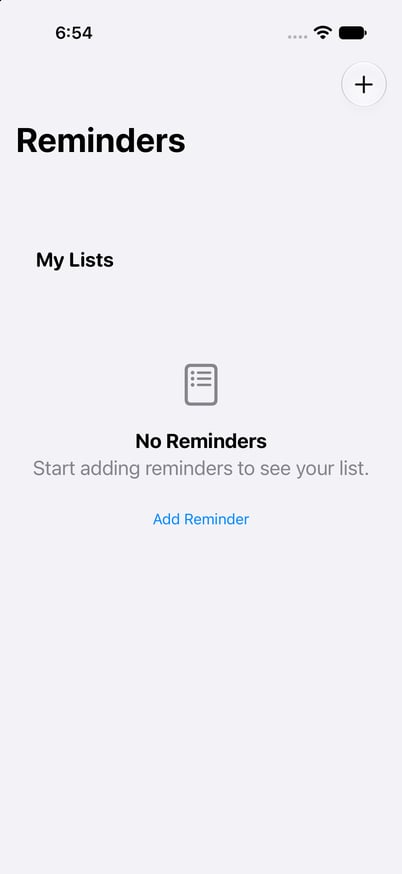
box screenshot, made smaller for this page
How it ends
box stopcloses the session and the billing stops- It also ends after 10 minutes without a screen change, after 30 minutes in all, or at the next
box build,box testorbox runin this folder - Two folders can keep a session open at once; a third waits
--device, --dark and --locale as for screenshots