
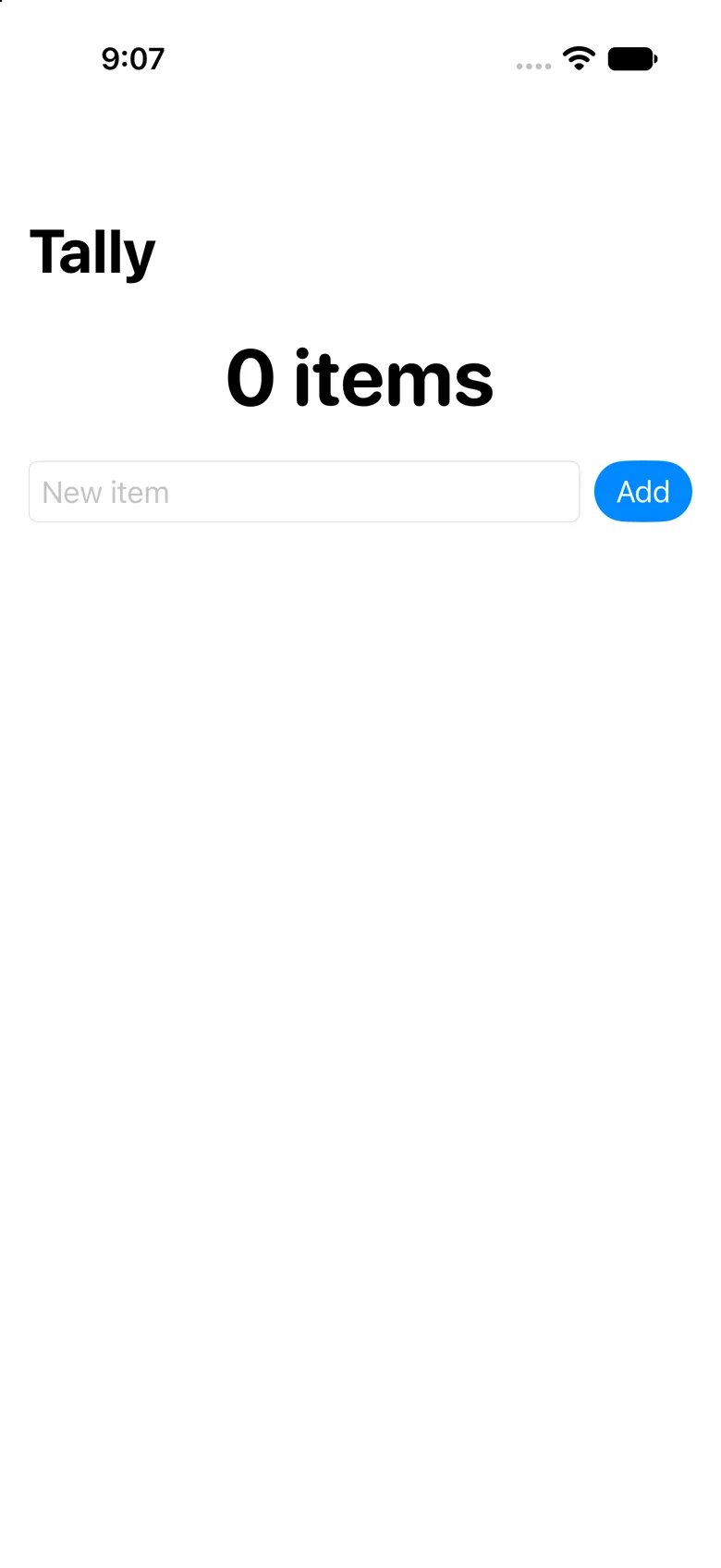
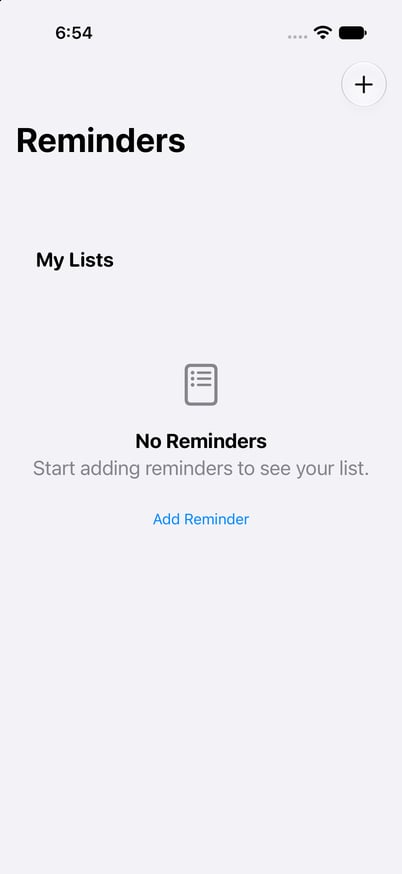
When to use it. Your agent changed a screen and needs to see it, or you want the first screen in dark mode or another language before you push. One job builds the app, launches it on an iPhone simulator, waits for the screen to settle and saves a PNG
Run it
Options
--darkfor dark appearance,--locale ja(orko_KR,ar) for another language and region--device "iPhone 17 Pro"for another simulator frombox devices--recordalso saves a video of the screen from launch to the picture, asscreen.mp4--compare lastcompares with the last screenshot that succeeded and saves a diff picture per changed screen