
When to use it.
- A build, test or exec job failed and you want the cause before reading the whole log
- Your agent should fix the right line instead of guessing from a cut log
Read why.txt
The failing test from the Test page ended like thisA failing test: box prints the failing line and saves why.txt
/Users/admin/xenoci-box/src/ is your project folder on the Mac, so the line to fix is BoxDemoTests/BoxDemoTests.swift:7 in your copy
A failing UI test
A UI test taps Add once and expects the counter to show 2. It saves the screen before the check withXCTAttachment(screenshot:)
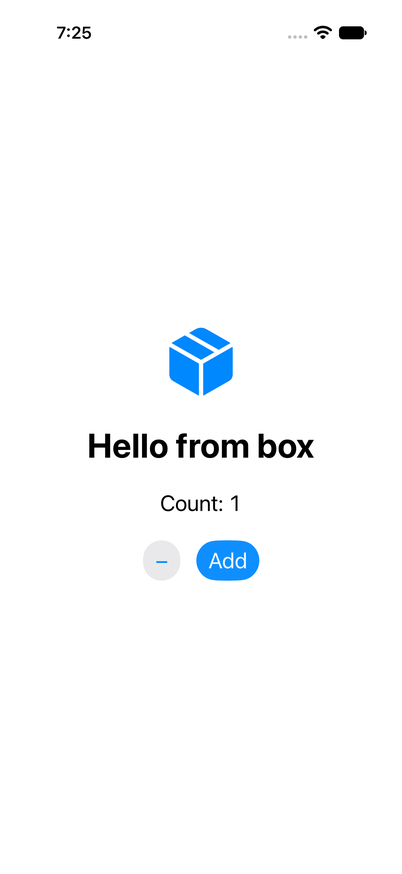
test.xcresult.zip of that job (open it in Xcode), made smaller for this page. It shows Count: 1, so the test, not the app, is wrong
Job
bj_KISeZPAtJ5ZsWr3C on the production Mac: 60 s billed, $0.05The lines to look for
box: why:the cause in one linebox: details:wherewhy.txtwas savedbox: looks like our sideappears only when the Mac, a time limit or a lost connection ended the job. Then runbox report <job> --reason "..."for a refund. Your own compile or test errors never show it
Exit codes
1: your build or tests failed. Fix the code and run it again3: our side or your account (signed out, an outage). Do not retry it in a loop