
When to use it. Your agent has to reach a screen behind a button, fill a field or check what is on screen without reading pixels.
box ui lists what is on the simulator screen and taps, types and swipes in the appRun it
box ui describe lists the screen, box ui tap --id add presses Add, box ui find shows 4 items
tap --id takes. This is what box printed for SwiftieDev/SwiftUI-ToDos-App (MIT); the lines without a label are left out
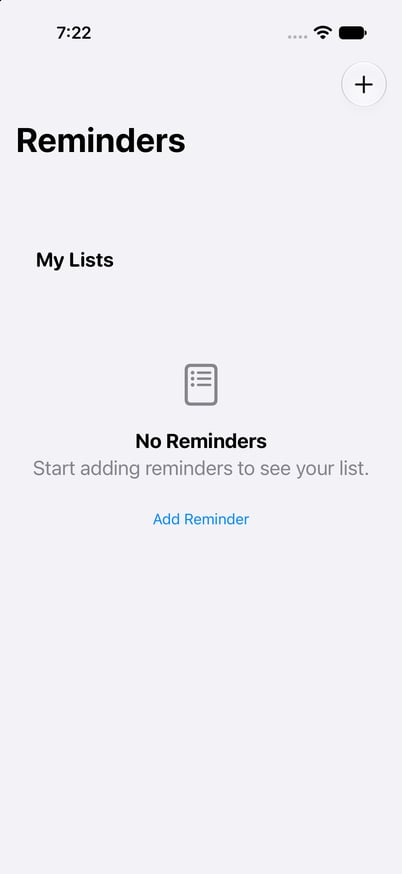
Commands
box ui describelists the elements,--treenests them under their parent,--jsonprints all fieldsbox ui find TEXTprints the one element whose label, value or ref contains TEXTbox ui tap --label TEXT,--id REFor a pointX Ybox ui type "text"types into the focused fieldbox ui swipe X1 Y1 X2 Y2,box ui button home(or lock, side, siri)box ui screen out.pngsaves a picture of the screen
box run to keep the app open between commands